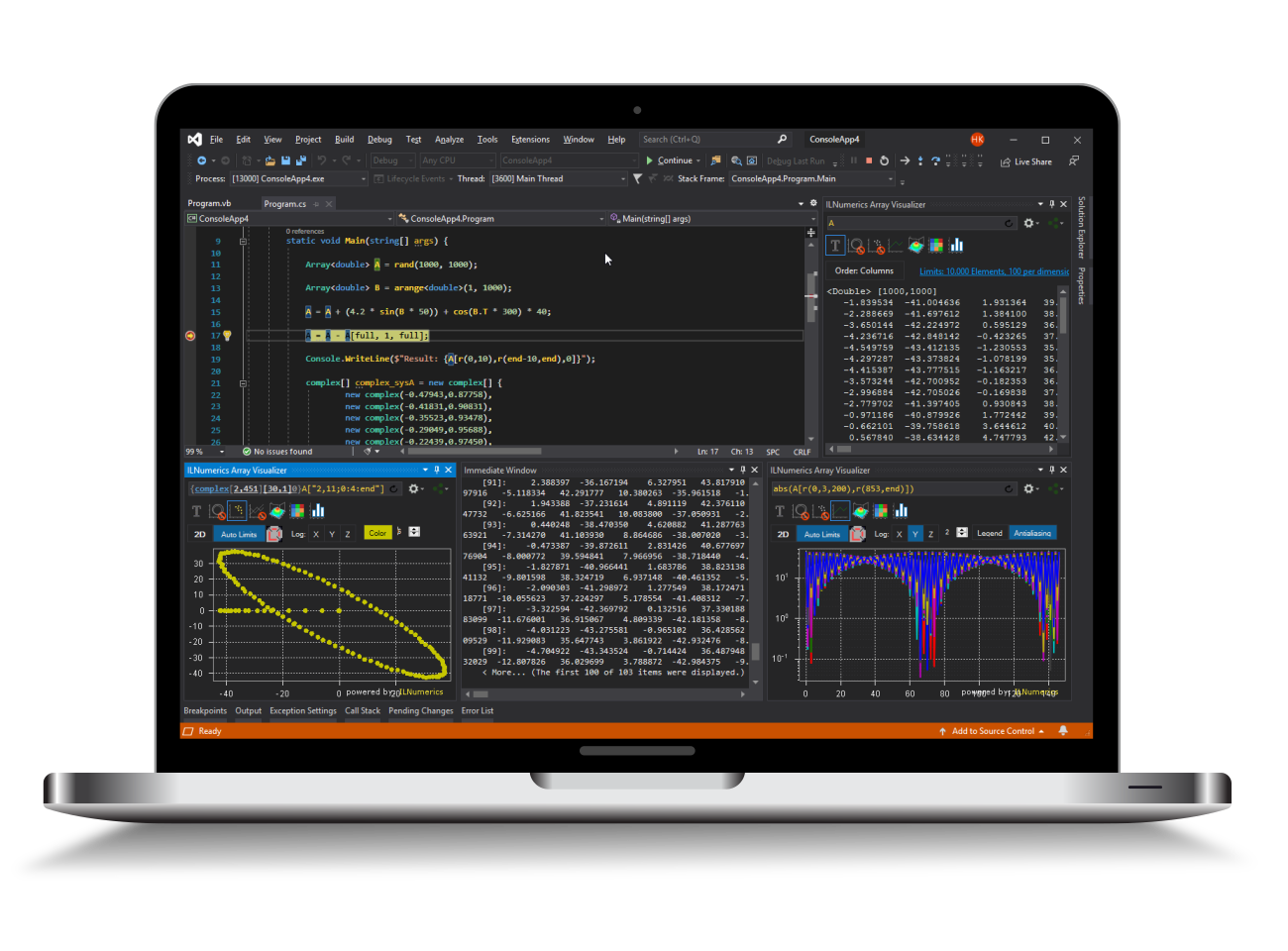
Visualization Engine for .NET (C# and Visual Basic)
ILNumerics Ultimate VS delivers powerful 2D and 3D visualization for C# and .NET. Its rendering engine is purpose-built for interactive technical applications and scientific visualization, with an architecture that has much in common with modern game engines. It handles complex scenes with ease and offers far more flexibility and configurability than typical charting libraries.
The API is clear, consistent, and easy to read, hiding platform quirks and low-level graphics details while still delivering top-tier performance. Visual scenes are defined through a flexible, efficient scene graph, and a rich library of ready-to-use plots and charts lets you build and maintain your code quickly.
As with all of ILNumerics, the Visualization Engine is engineered for speed and developer productivity. Hardware-accelerated rendering and a highly optimized core make it one of the fastest visualization technologies available on .NET — even if others claim the same. Take a closer look and see the difference.
Key features of the 2D & 3D visualization API
Fast, easy start
- Simple setup and intuitive API
- Optimized for scientific plotting: line, surface, and contour plots
High performance
- Full hardware acceleration for maximum rendering speed, even with dynamic scenes
- Efficient memory management and buffer sharing through tight integration with the ILNumerics Computing Engine
Clean architecture & maintainable code
- Simple, efficient scene definition based on a flexible scene graph
- Reusable scenes and an MVC-friendly design for clean, maintainable applications
- Dynamic by design: every element can be updated at runtime
Flexible rendering & platform support
- Native interactive controls for WPF and WinForms
- Multiple rendering backends with robust automatic selection between OpenGL and software rendering
- Support for shaders and a clear, transparent multithreading model
Export & integration
- Offscreen rendering to PNG, JPG, BMP, XML on all platforms supporting .NET
- Vector graphics output (SVG) for high-quality publishing
The Big Picture
In ILNumerics Visualization Engine, you create a visualization based on its scene graph representation. The scene graph is composed out of a small number of relatively simple node types: points, lines, triangles and labels serve as building blocks. Group nodes allow to arrange and manage multiple objects and to assemble them to complex, reusable components. All plot types in ILNumerics are created this way. ILNumerics handles all memory management for you.
A scene contains specialized group nodes, serving as Camera objects. They allow for displaying naturally looking, plain 3D objects and data. For plotting of technical / scientific data a special PlotCube container is provided. It greatly simplifies the rendering of your data in multiple scales and aspect ratios, adds axes and labels, legends, colorbars, interaction and more.
ILNumerics Visualization Engine comes with a large number of predefined plot types. The collection is extended by more advanced plots in the ILNumerics.Drawing2 toolbox. All plots can be combined and their behavior configured arbitrarily.